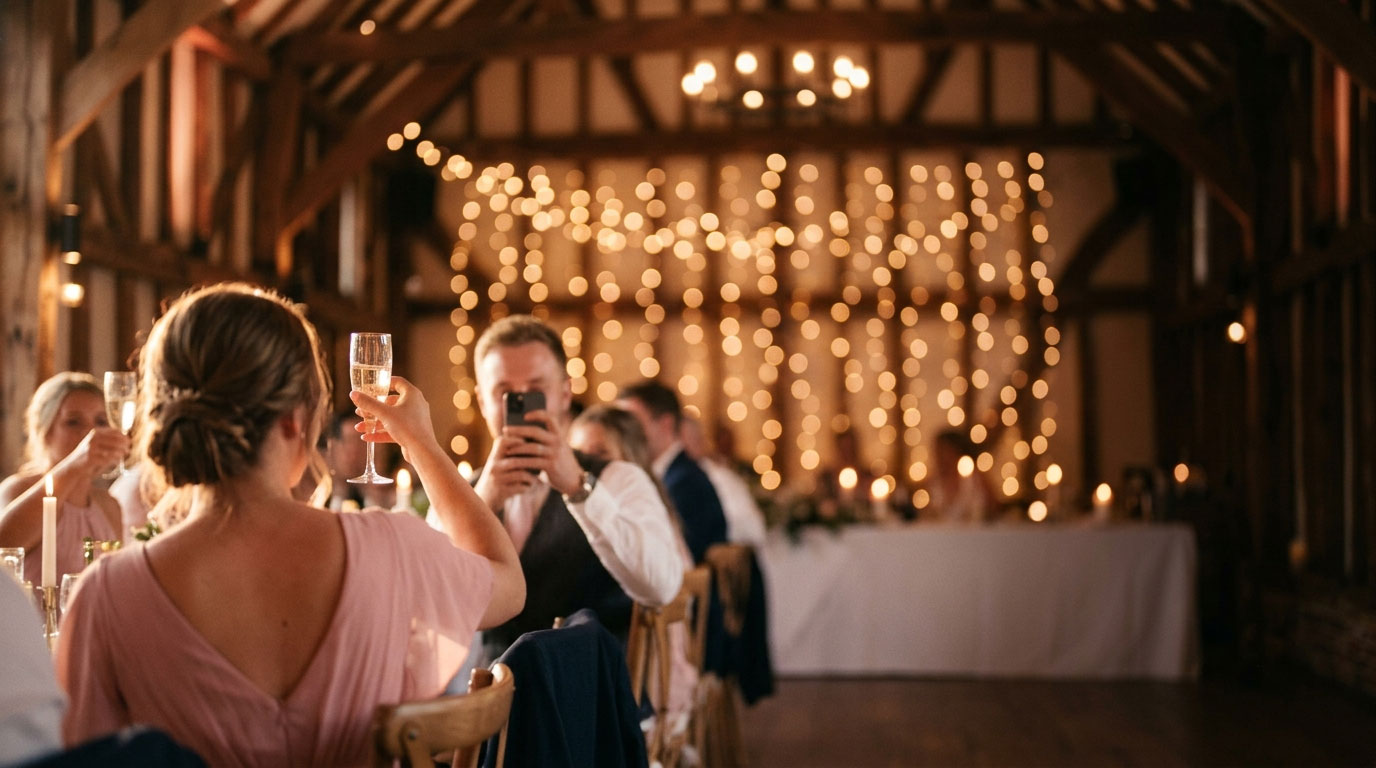
Share photos.
Live the moment.
Every guest takes photos – but they usually stay on their own phone. With Evendo, they appear instantly on the big screen, visible to everyone, right as the moment happens.
Why Evendo?
Three good reasons why Evendo is exactly what your celebration has been missing.
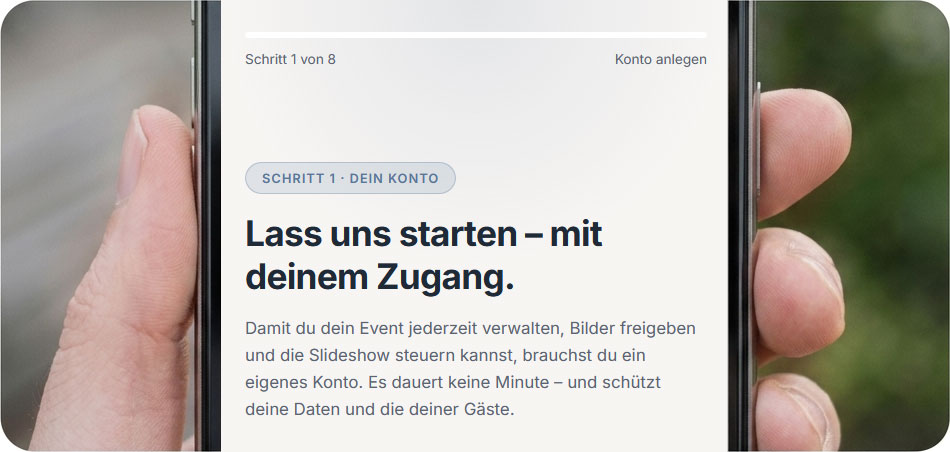
Quick setup
Book, enter the key details, get going. In about 5 minutes everything is ready – no technical know-how, no installation and no hours of configuration.
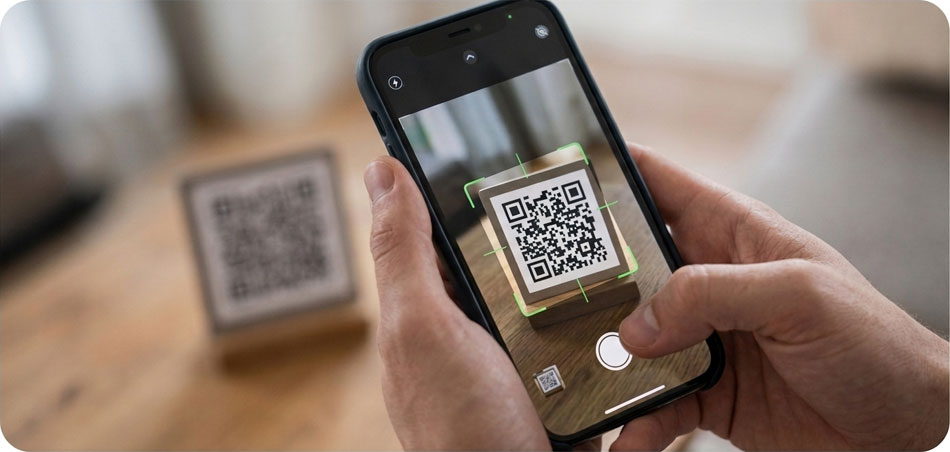
Easy to use
All your guests need is a link – no app, no account, no password. And you control everything from a clear, self-explanatory control center.

No distractions during the event
Evendo runs quietly in the background – no beeping, no vibrating, no constant fiddling. A photo is shared with everyone in seconds, then the phone goes back in the pocket. Your guests stay in the moment, you celebrate with them, and the focus stays on the party.
All in one piece
Three carefully matched components that work together seamlessly.
The app
Your guests open a link – and they're in. No complicated app to download first, no account to create. Anyone who likes can save Evendo to their home screen with a single tap and have it at hand all evening.
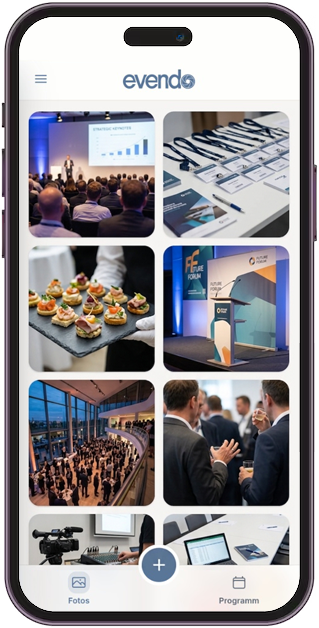
The control center
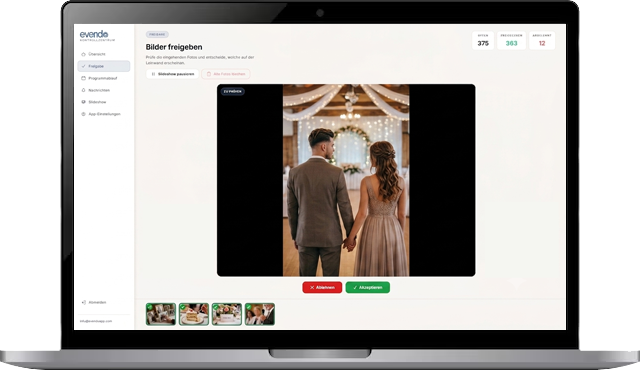
Your personal cockpit for the evening. Set everything up here, see which photos have come in, decide what goes on the screen – and send your guests a message whenever you like. Everything in one place, everything in your hands.
The slideshow
Your guests' pictures, big and beautiful on the screen – in real time. Choose a frame that suits the occasion and let the moments speak for themselves. When something is coming up on the program, simply pause the slideshow with a tap and start it again afterwards.

What makes Evendo special
Thought through to the last detail – for a smooth experience at your event.
Easy start
No lengthy setup, no waiting for a technician. You book Evendo online, set everything up in just a few clicks – and you're ready for your first guests in about 5 minutes. Who says good technology has to be complicated?
Effortless photo upload
Your guests don't have to download anything or sign up anywhere. Pick a photo, share it – done. The upload happens invisibly in the background while they keep celebrating. Someone picked the wrong picture by mistake? No stress – it can be withdrawn with a single tap.
Review & approve photos
Not every photo someone takes needs to end up on the big screen. With optional approval, you stay in control: you see every picture first and decide what gets shown. If you'd rather relax and celebrate, let everything through automatically – and still quietly remove individual pictures from the slideshow afterwards.
Slideshow
Imagine your guests' faces lighting up when their own photos appear on the screen – in a stylish frame that suits the occasion. The slideshow runs automatically, brings the party to life and creates spontaneous "Oh, look at that!" moments. Time for a speech? Pause the slideshow with a tap and you have everyone's full attention.
Event schedule
Every celebration has its own rhythm – and it rarely goes exactly to plan. The built-in event schedule keeps you on top of things: just enter the agenda, adjust it as needed, and if something runs 20 minutes late, push the remaining items back with a single swipe. Your guests are kept in the loop discreetly via push notification, without disruptive sounds – so everything runs smoothly and they're always up to date.
Push notifications
Sometimes you want to let all your guests know something at once – without shouting across the room. With push notifications you reach everyone at the same time, right on their phones. Whether it's "The cake is about to be cut" or "Group photo in five minutes" – ready-made templates make it child's play. And because beeping and buzzing shouldn't spoil the mood, you can choose to send messages silently.
Memories for everyone
When the party is over, the best memories are only just beginning. The host automatically receives a download link to all approved photos – collected, sorted chronologically and ready to share. One link to the guests, and everyone has the pictures of the evening on their own device forever.
Made for your occasion
One fair price per event – no subscription, no hidden costs.
Basic
For birthdays and private parties.
- Photo upload for all guests
- Live slideshow on the big screen
- Optional photo approval
- Event schedule
- Download link after the event
Plus
For weddings and smaller company parties.
- Everything in Basic
- Push notifications to all guests
- Add your own photos to the slideshow in advance
- Advanced approval features (block guests)
- Invoice with company address for your accounting
Pro
For weddings, company parties and client events.
- Everything in Plus
- Custom branding for the slideshow
- Custom welcome and pause screens in your design
- Prepare individual push notifications and send them at the push of a button
- Priority support on the day of the event
All prices are final prices. No VAT is charged under the German small business regulation (§ 19 UStG). You can pay with Mastercard, Visa or PayPal.


Frequently asked questions
Everything important at a glance – and if anything is still unclear, feel free to get in touch anytime.
Do my guests have to install an app?
How quickly is Evendo set up?
Can I review photos before they're shown?
A guest uploaded a picture by mistake – what now?
What happens to the photos after the event?
What equipment do I need on site?
Are my pictures safe?
Can I test my event beforehand?
Ready for unforgettable moments?
Turn your celebration into an experience everyone can share.
Get started